
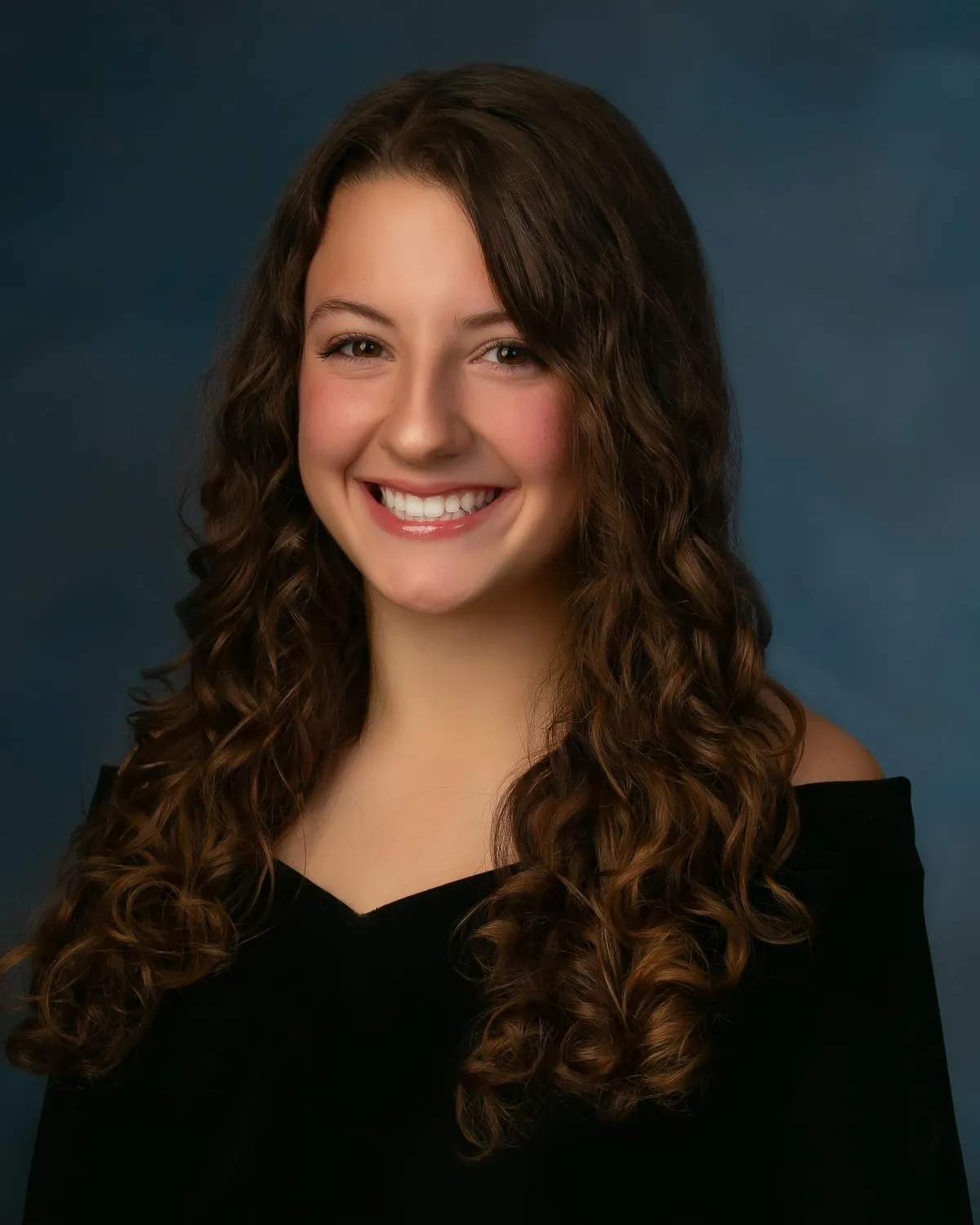
Trinity High School Picture Day
RETAKE DAY IMAGES WILL BE UP TO VIEW BY Wednesday OCTOBER 22
STEP BY STEP After you Click the Link Below for Pictures from THE FIRST TRINITY PICTURE DAY
1. Enter Your Email. Enter Your Access Code, which is Your Trinity High School Student ID Number
2. If you only have one student at THS, click Continue
3. Enter Your Students First Name / Last Name. Scroll Past other Names and Click 'Add Student'
4. Click Continue
5. Choose Your Favorite. Purchase Your Portraits. Have an Amazing Day.
MULTIPLE STUDENTS AT THS? You will need to enter all student ID numbers at the beginning, it will ask for names on the next page, but without multiple access codes you will not see multiple students in the same gallery




The Redford Photography Studio is Located at 657 Morganza Road. Canonsburg, Pa 15317
Contact Us
Contact Us
Feel free to call or text
Unable to find form